
The DigiBall app is compatible with Amazon Fire TV Devices as well as Amazon Fire Tablets.
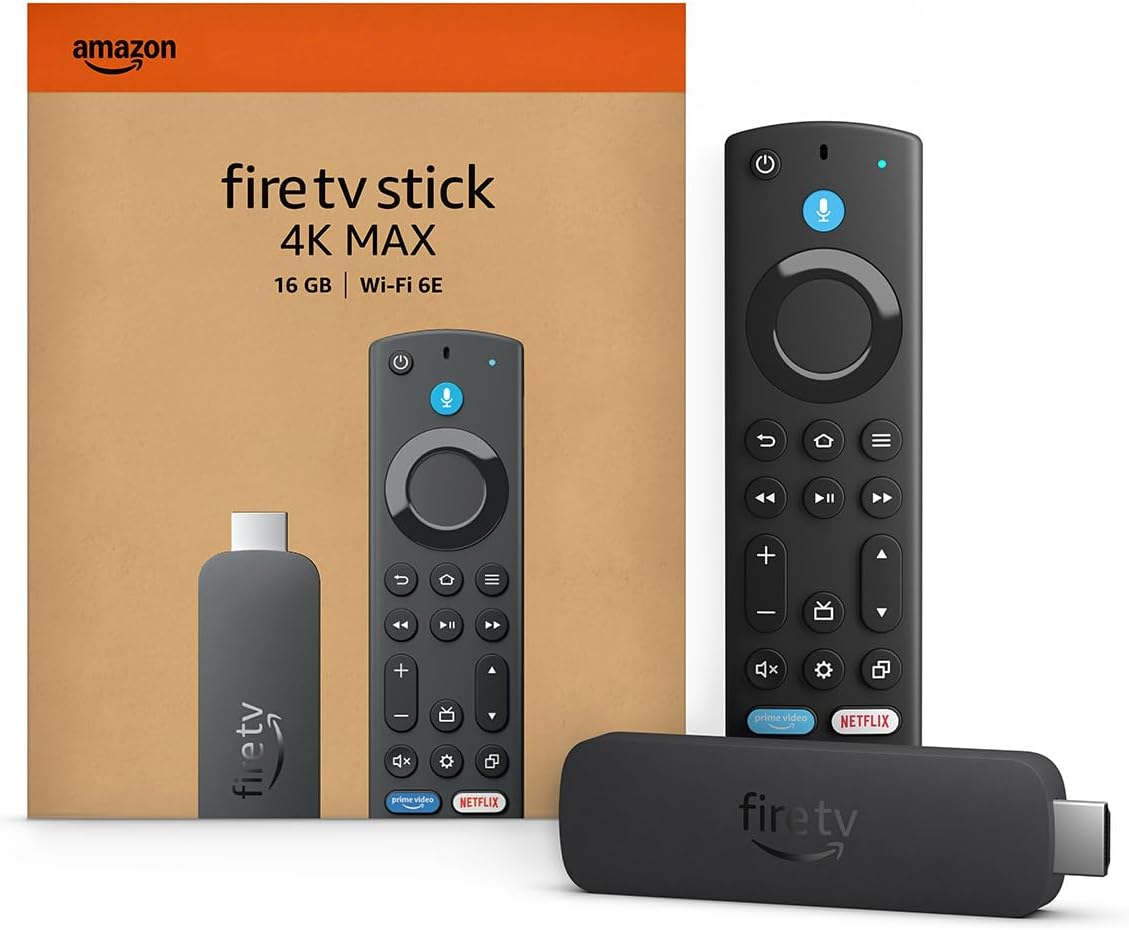
The 20-foot view provided by a large wall-mounted television provides a superior experience compared to using a smaller mobile device or tablet. The remote controller is exceptionally convenient and easy to use from a distance.
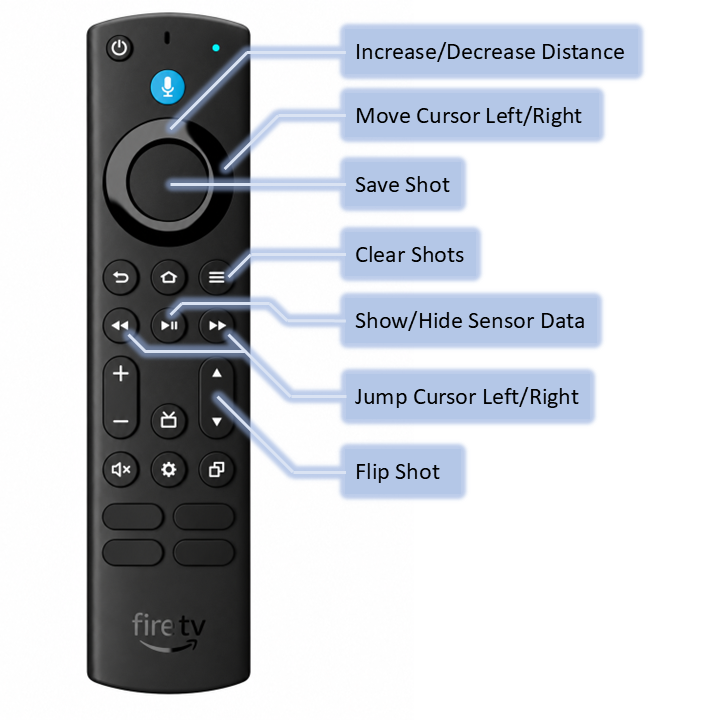
The television version of the app uses native remote control buttons for navigation. Some buttons perform special actions while in the Shooting page. The most useful is using is saving your shot as a red "dot" on the screen, and letting many shots accumulate to see your statistical accuracy pattern. Additionally you can set a distance between the DigiBall and a target and move the cursor to automatically calculate shot speed and spin factor ratio.
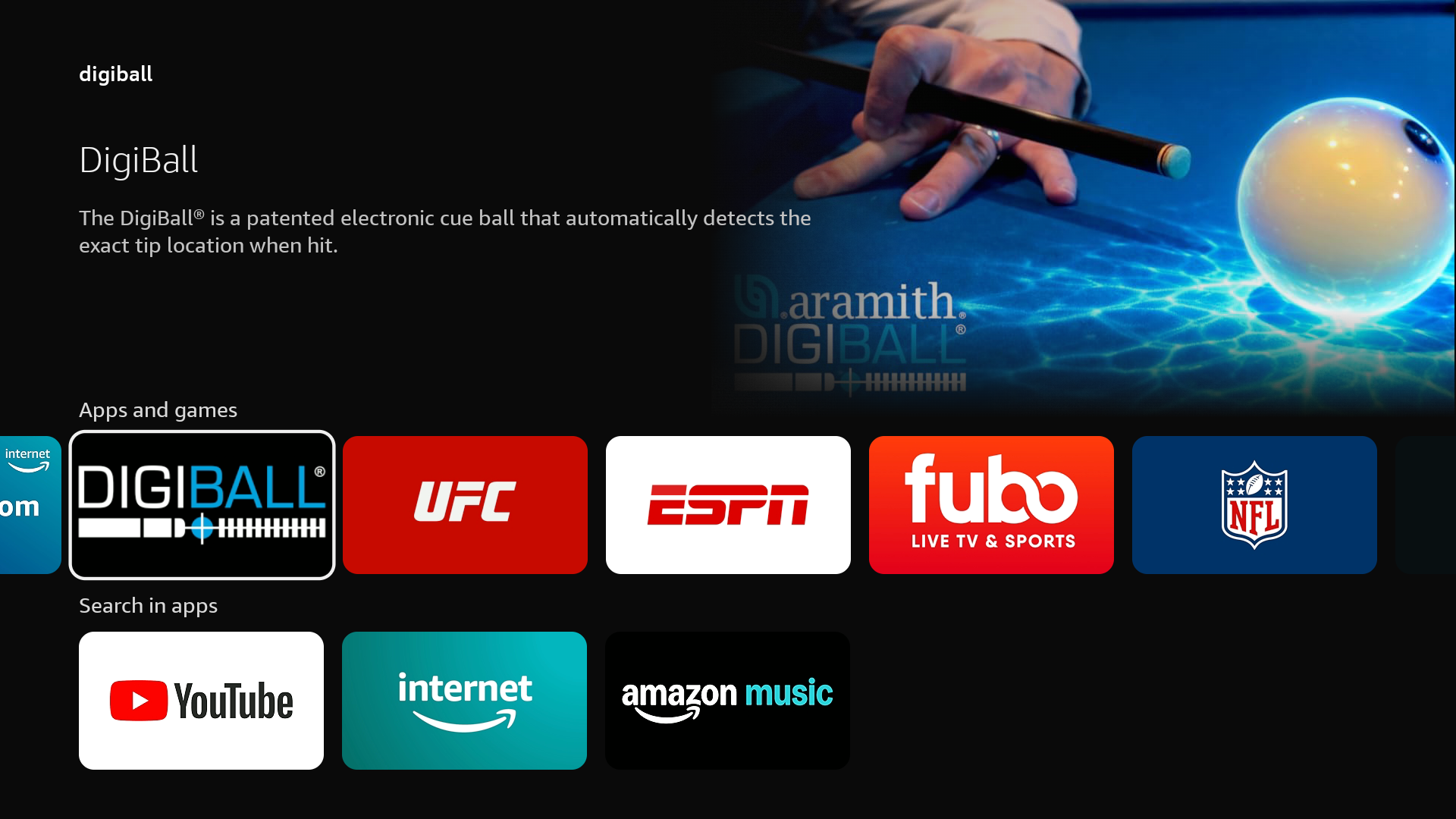
Start by searching for and downloading the DigiBall app from the Amazon App store.
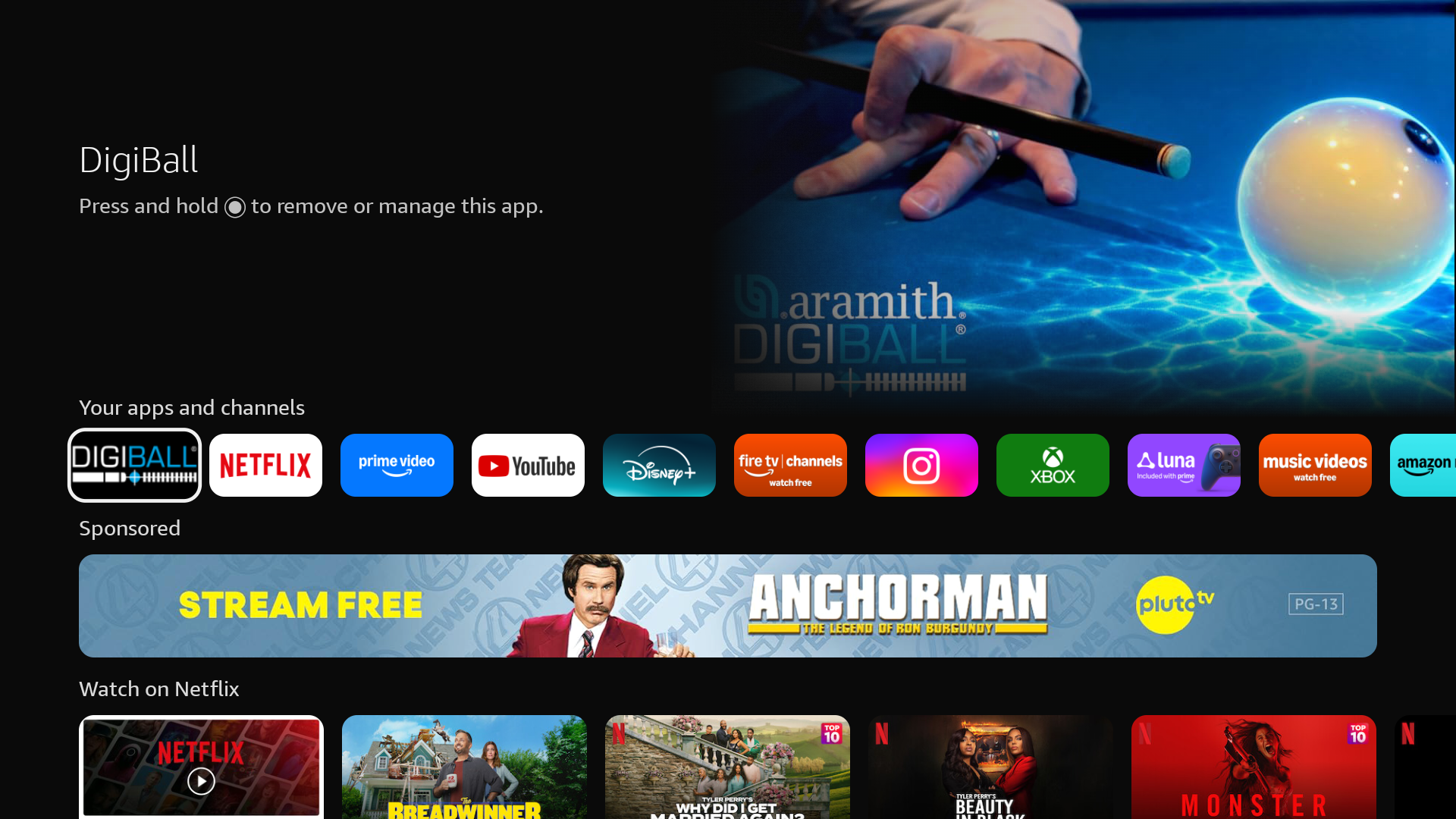
Open and close the app. Then hold down the Select button on the app and choose "Move to Front". This will place the DigiBall app in your main navigation bar for easy access.
The television version of the app does not include a Session history page and has less setting options than the mobile version of the app. You must also use a mobile device to change the Ball Configuration via Sync mode.
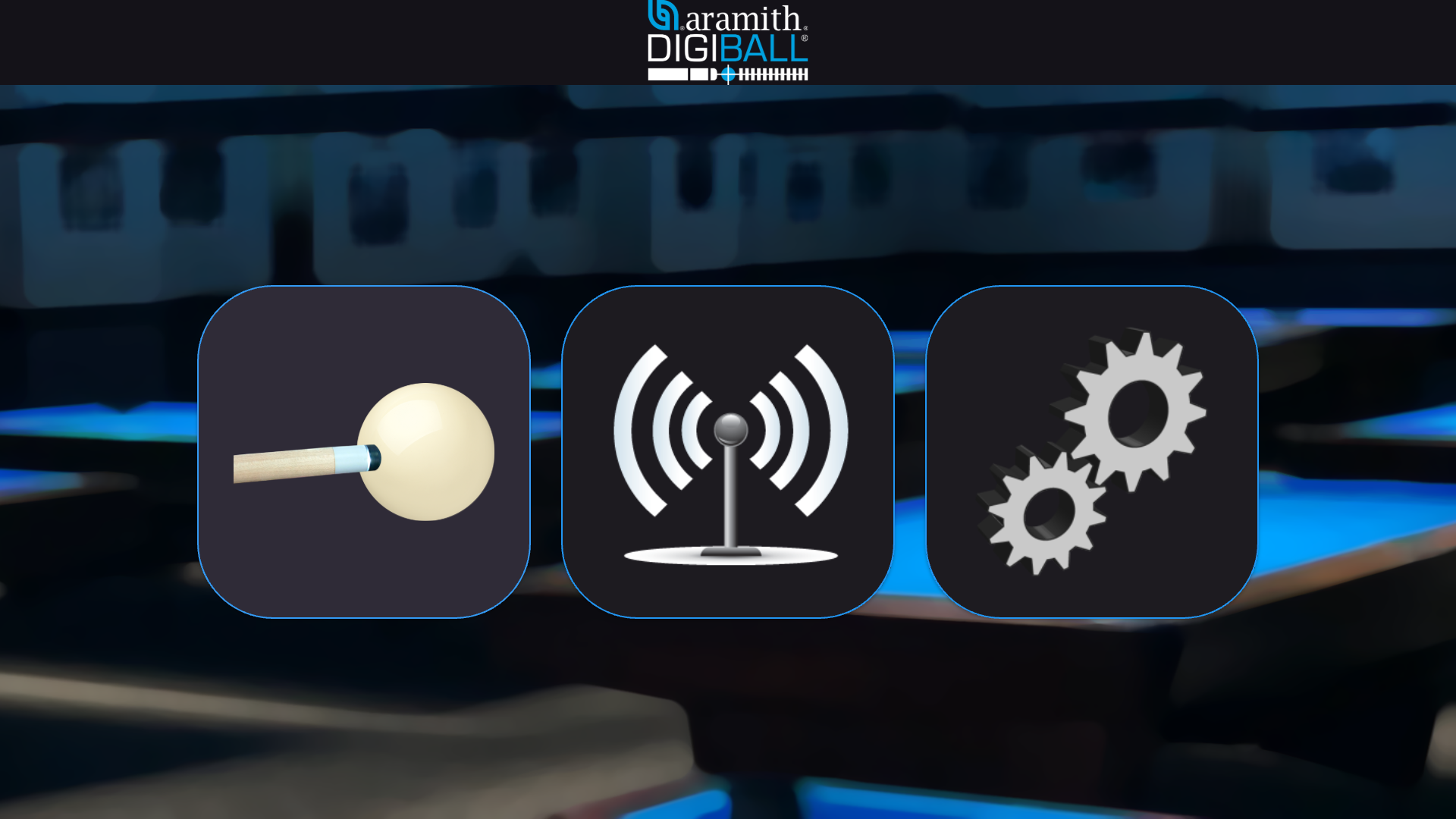
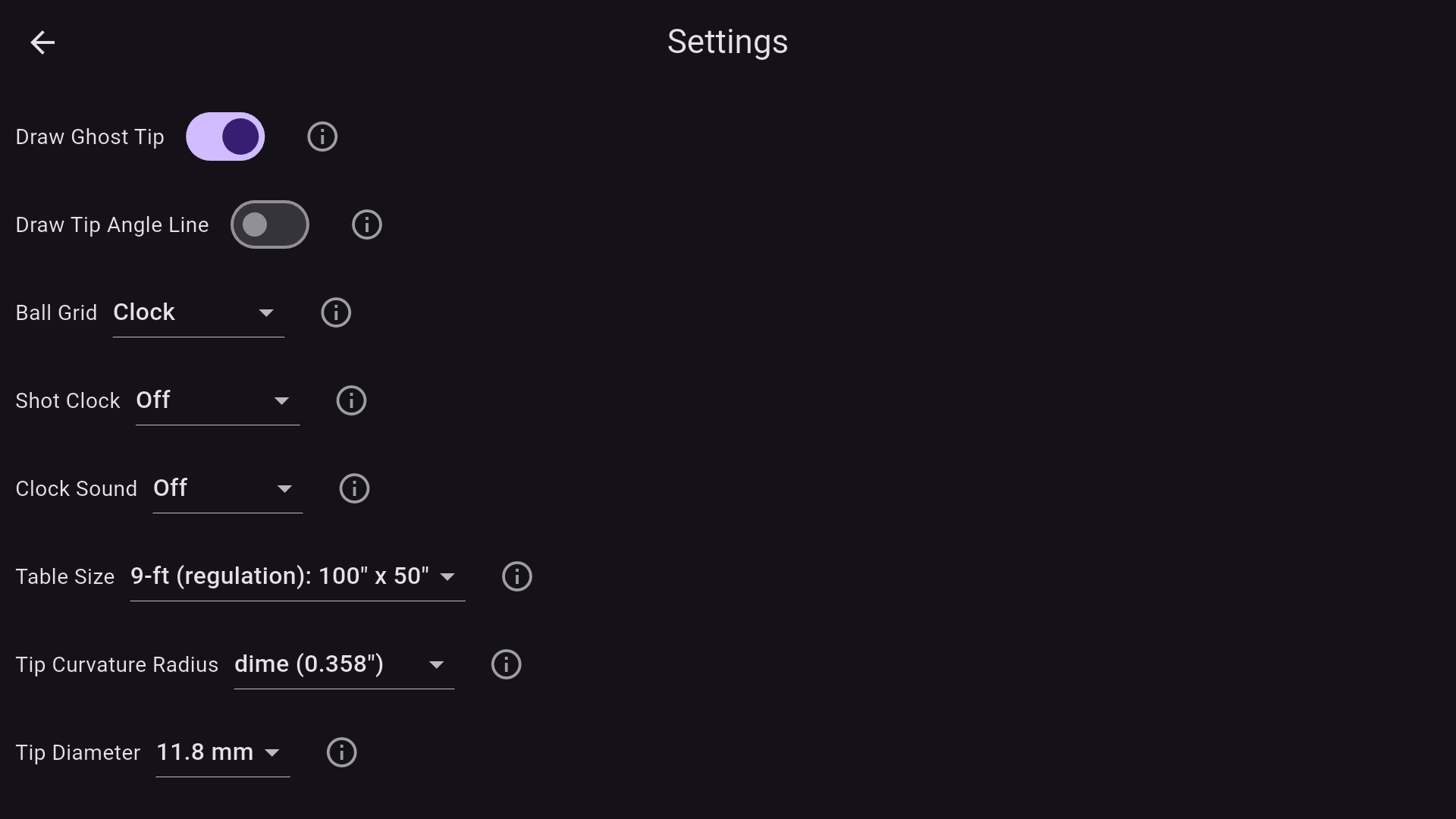
Please continue by following the DigiBall mobile app tutorial.